Your Excel becomes an app.
The manual work runs on its own.
The Excel file everyone needs, nobody trusts and somebody always has open: we turn it into an app your team likes to use, a dashboard you can share with your customers, and automations for the manual steps around it. You don't have to run any of it.
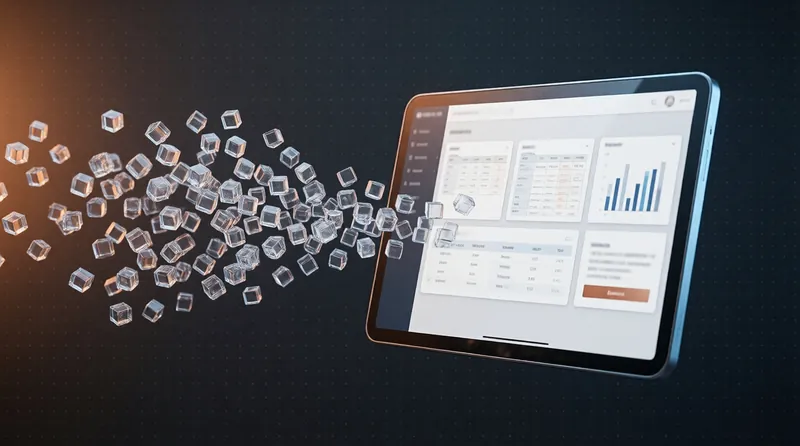
What does your Excel do?
Describe the spreadsheet your team works in: what's in it, who uses it, what's annoying. Write in any language. Our AI gives you a first look and asks what our team needs to know. Then we get back to you in your customer area.
- 01Describe
- 02First look
- 03Your account
- 04Done
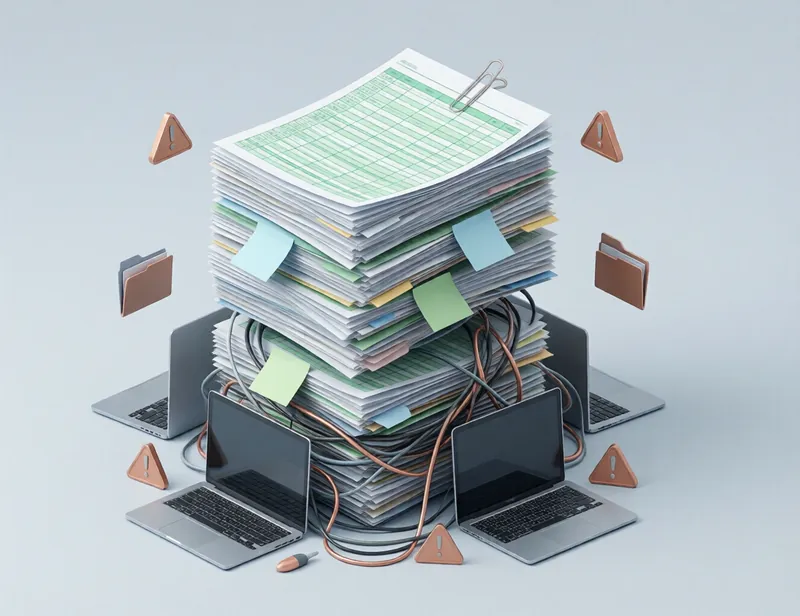
Excel was the start. Now it's the bottleneck.
Spreadsheets are great for one person and one question. As soon as a team runs a process in them, the same problems show up everywhere.
- stock_FINAL_v7_NEW.xlsxWhich version is right?
Copies by email, on the desktop, in the shared drive, and none of them match.
- Locked by another userSomeone has it open. Again.
Work waits until a colleague closes the file. Or two people overwrite each other.
- #REF!One wrong sort and it breaks.
Formulas, links and macros nobody dares to touch any more.
- Who changed this?No history, no permissions.
Everyone can see and change everything, and nobody knows what happened.
Small apps, built around your process.
Every app starts with the file you already have. Here are six examples in six different styles. Yours will look and work the way your team needs.
App 1 of 6: Stock & reorders
Same work, without the file chaos.
Your data and your process stay. They just move into a tool built for teams.



- 01
One live version
No more copies, attachments and “_final_v7”. Everyone sees the same data, at the same time.
- 02
Forms instead of cells
Fields with checks and drop-downs. Nobody overwrites a formula or sorts half a table.
- 03
Roles and permissions
The warehouse sees stock, sales sees prices, management sees everything. You decide who sees what.
- 04
Full history
Every change with name and time. Undo mistakes instead of searching old email attachments.
- 05
On every device
Desktop in the office, phone in the warehouse or on site: one app, in the browser.
- 06
Excel stays an option
Your existing data comes along, and you can export to Excel or CSV whenever you need it.

An app that thinks along.
We add AI where it saves real time, with any model that fits the task. A person confirms what matters.
- “Which items run out next week?”Ask your dataQuestions in plain language, answers from your own records.
- PDF to fieldsDocuments in, data outDelivery notes, invoices or emails are read and filled into the app for review.
- Check and suggestFill and checkSuggestions for missing values, warnings for outliers and duplicates.
- Mon 07:00Summaries and reportsA short weekly summary in your inbox instead of a report built by hand.
From your file to a running app.
- 01
Upload the file
Upload your Excel in your customer area, anonymised data is fine. You get a first assessment right away, then our team gets back to you in the project chat.
You - 02
Approve the plan
We sketch screens, fields and roles. You see a click-through before anything is built.
You - 03
We build and import
We build the app, bring your existing data over and test it with your examples.
kilnwork - 04
We host and look after it
Hosting, backups and updates are on us. Need a new field or screen? Just tell us.
kilnwork
Questions before you switch.
What happens to our existing Excel data?
It comes along. We import your current data into the app and check it with you before go-live. Export back to Excel or CSV stays possible at any time.
Which spreadsheets are a good fit?
Anything several people maintain as a process: stock and orders, shift and holiday plans, quote calculators, project or job lists, checklists and inspections, sales and customer lists. One-off analyses usually stay better in Excel.
Do we need our own servers or IT?
No. We host and look after the app for you. Your team uses it in the browser, on desktop, tablet or phone.
Which AI is used, and what happens to our data?
We pick the model that fits each task, through one gateway with data collection switched off, or use your own provider key. Your data is not used to train AI models. Details are on our security page.
Can the app connect to our other tools?
Yes. The same connectors we use for workflows work here too: email, accounting, CRM, shop or your own system via its API.
Which spreadsheet should become an app?
Describe it in a few words. Our AI gives you a first look, our team replies with a fixed-price proposal.